












Forms you write like a document
Write the page, drop questions in where they belong, and publish. The answers come back to you.
Get startedNo credit card, and no limit on how many forms you build.

The page you type is the form you publish
A form here is a page you wrote — quick to type, free to publish, and yours to lock down.
Everything is free, except two things
Those two are the “Made with” badge and a domain of your own. Everything else is on the free plan. See what Pro costs, and what fair use means.

Type a slash, keep going

The page is the form. Write a heading, write a paragraph, and where a question belongs, type a slash. There is no separate canvas and nothing to drag out of a tray.
Build your first form, or open one of the ready-made ones and change the words.
You decide who sees the answers
Put a password on a form, stop a second submission from the same person, and set how long answers are kept before they are deleted for you.
Password protection, retention and GDPR are documented in full.
Every question type, on the free plan
Build anything from a one-question poll to a checkout that takes a card.

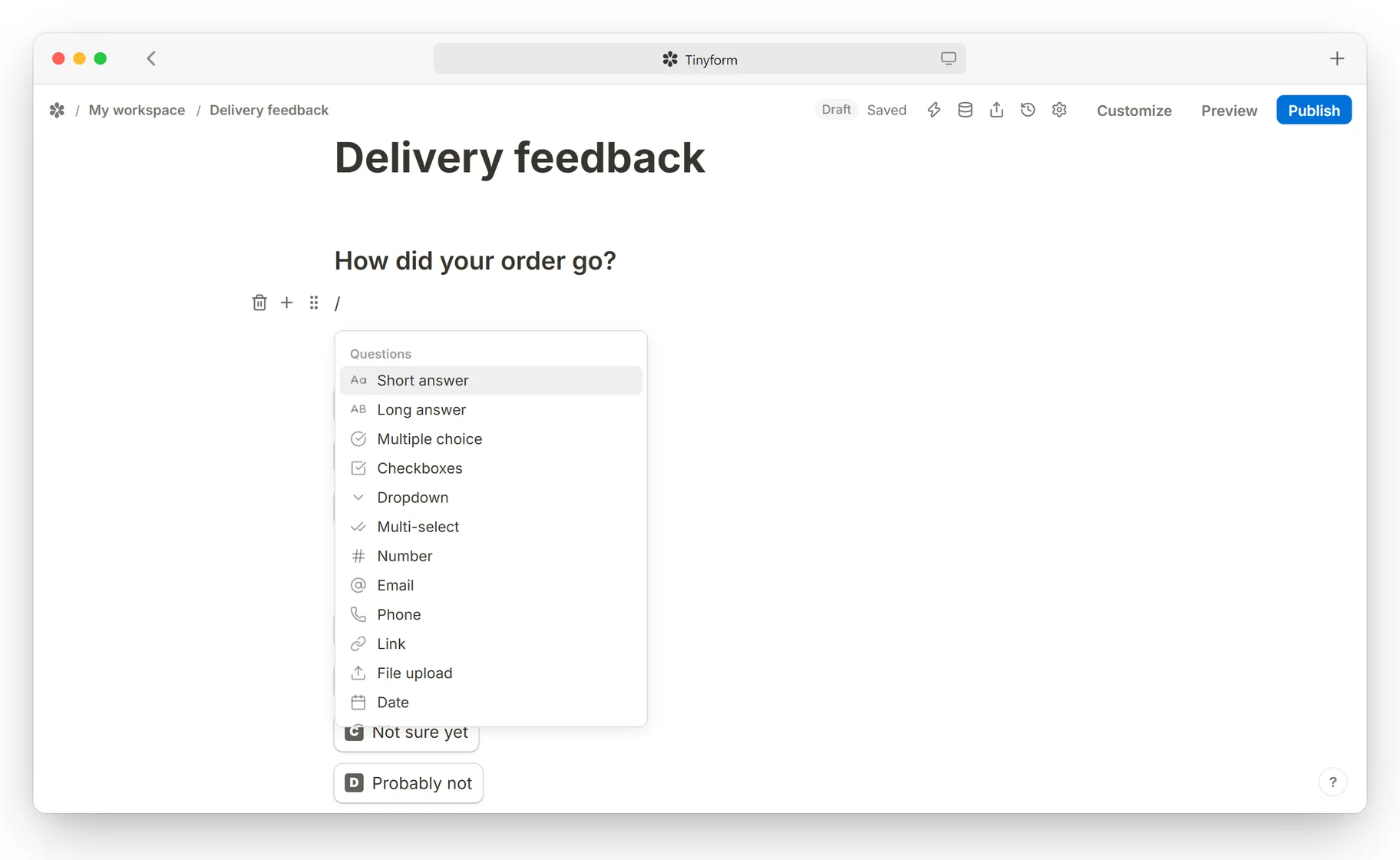
Pick a block, write the question
Short text, long text, numbers, email, phone, dates, choices, uploads, signatures and payments — every one of them in the same page you are already typing on.
Ask only what applies
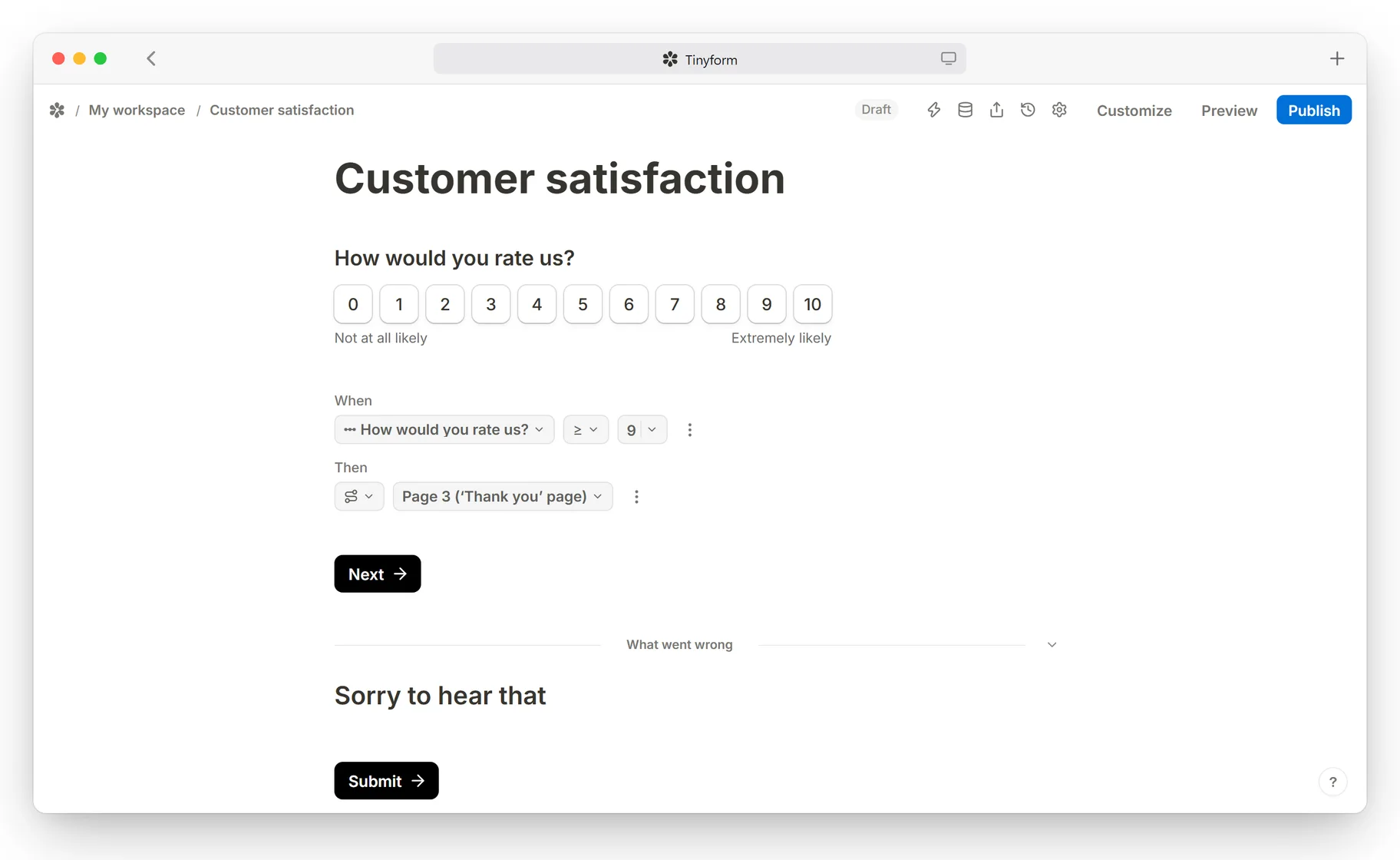
Show, hide, branch and calculate while somebody is filling the form in, so nobody is asked a question meant for somebody else.

Conditional logic
Set a rule on any answer and the form acts on it — a block appears, one disappears, somebody lands on a different page, or a number is worked out from what they typed.
Calculator
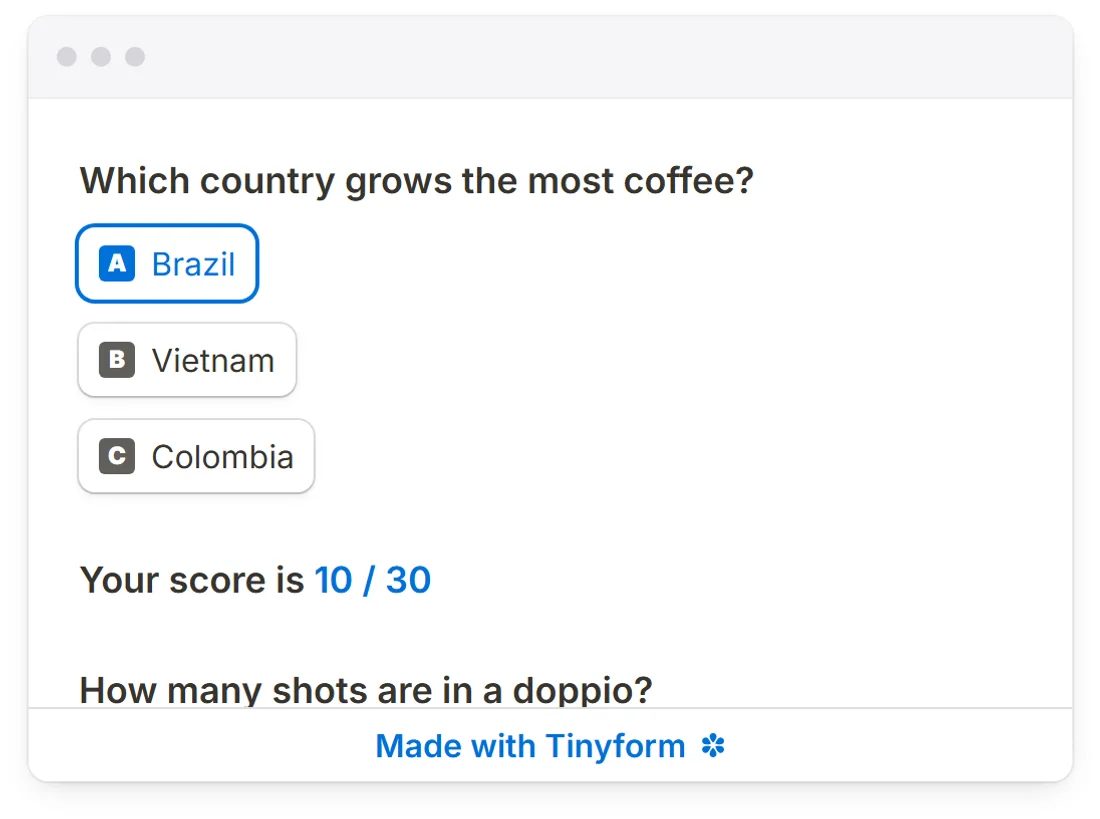
Work a score, a total or a price out of the answers while they arrive, and quote the number back on the page as it changes.
Hidden fields
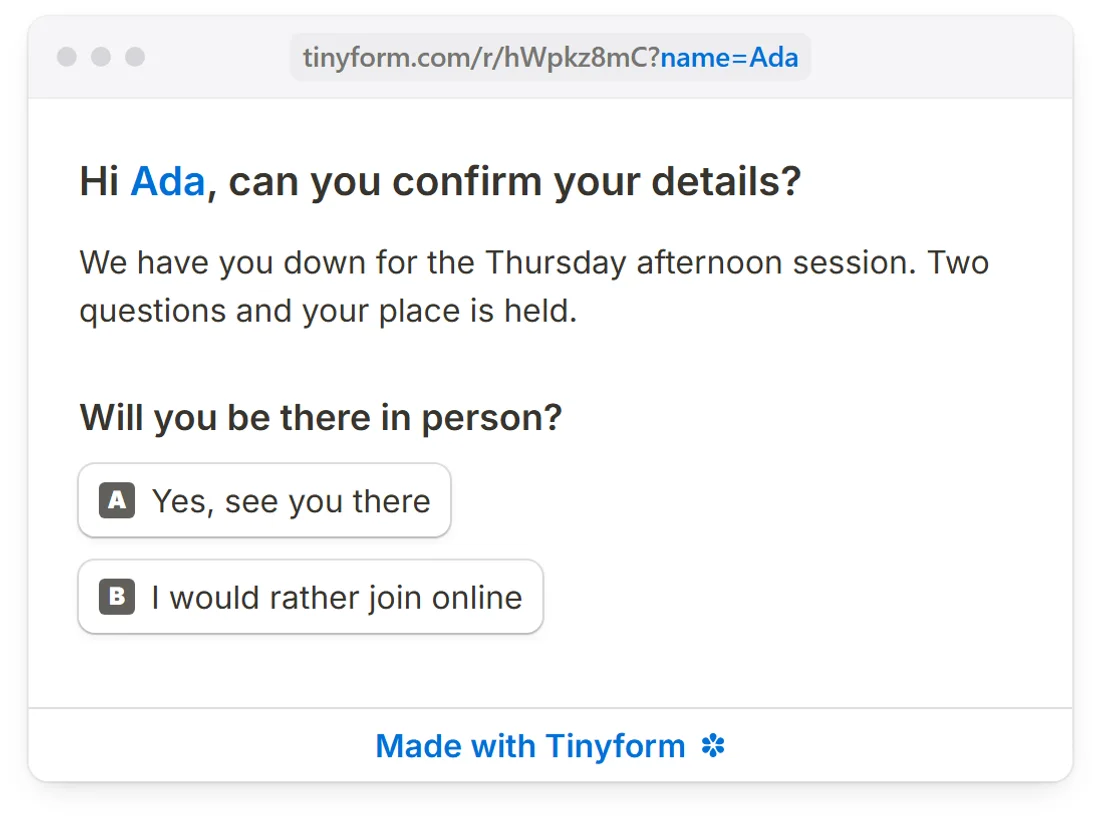
A form’s own address can carry values in — a name, a customer id, your UTM tags — to greet somebody by, or to keep beside their answers.
Make it look like you sent it
Themes, fonts, colours, layout, a cover, a logo — and if none of that reaches far enough, your own CSS.

Pick a theme, or build one

Set the colours, the typeface, the button shape, the background, the cover image and the logo at the top of the page.
One form, four ways in
A published form is a page. Send it as a link, put it inside your site, or open it over the top of one.

Embed
Drop the form into your own page with a script tag — your site, your landing page, your documentation. It resizes itself as somebody moves through it, so it never sits in a box with a scrollbar of its own.
Popup
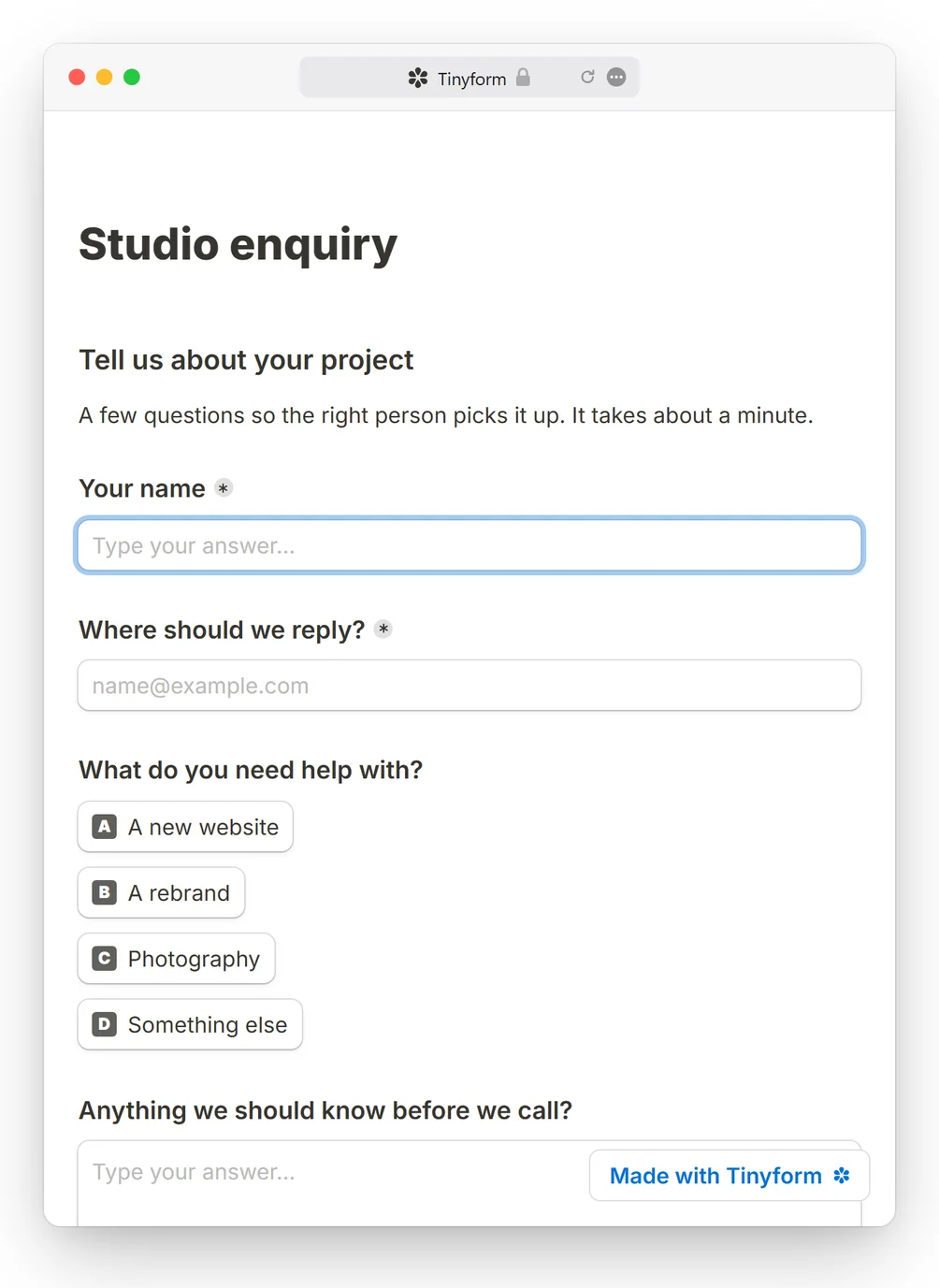
The same form over your page instead of inside it — opened by a button, after a delay, or when somebody is about to leave.
See how a popup opensA link anyone can open
Publishing gives the form an address of its own. No account, no app and no sign-in on the other end — a respondent opens it and fills it in.
/r/wA7kPq2mYour own domain
Point a subdomain of your own at the form and it serves there, with its certificate fetched automatically. This is one of the two features Pro is for.
forms.yourdomain.com/feedbackGet the answers out
Every submission is stored, searchable and exportable — and it can leave for wherever you actually work the moment it lands.

Integrations for what you already use.
Open today
 Webhooks
On the way
 Google Sheets
 Notion
 Airtable
 Slack
Slack Discord
 Zapier
 Make
Make n8n
n8n Google Analytics
 Meta Pixel
 MCP server
A head start for whatever you run
Open a template, change the words, publish it. Or start from an empty page.


Your first form is a minute away
Everything on this page is on the free plan. No card, no trial.
Get startedCommon questions
What do I have to pay for?
Two things: taking the “Made with” badge off your forms, and connecting a domain you own. Nothing else on this page costs money — there is no limit on how many forms you build and no wall in front of your submissions. Pricing has the whole of it, and fair use — which applies the same way on both plans — is published in full rather than left to be discovered.
Is my data safe?
You decide who can open a form and how long its answers live. Password-protect a form, stop a second submission from the same person, set a retention window after which answers are deleted for you, and delete them yourself at any time. GDPR covers what is stored and where.
Where do I start?
Sign up, then either start from a blank page or open one of the templates and change the words. When you publish, you get a link you can send to anyone, embed in your own site, or open as a popup over it.